IPS screens (Nintendo handhelds)
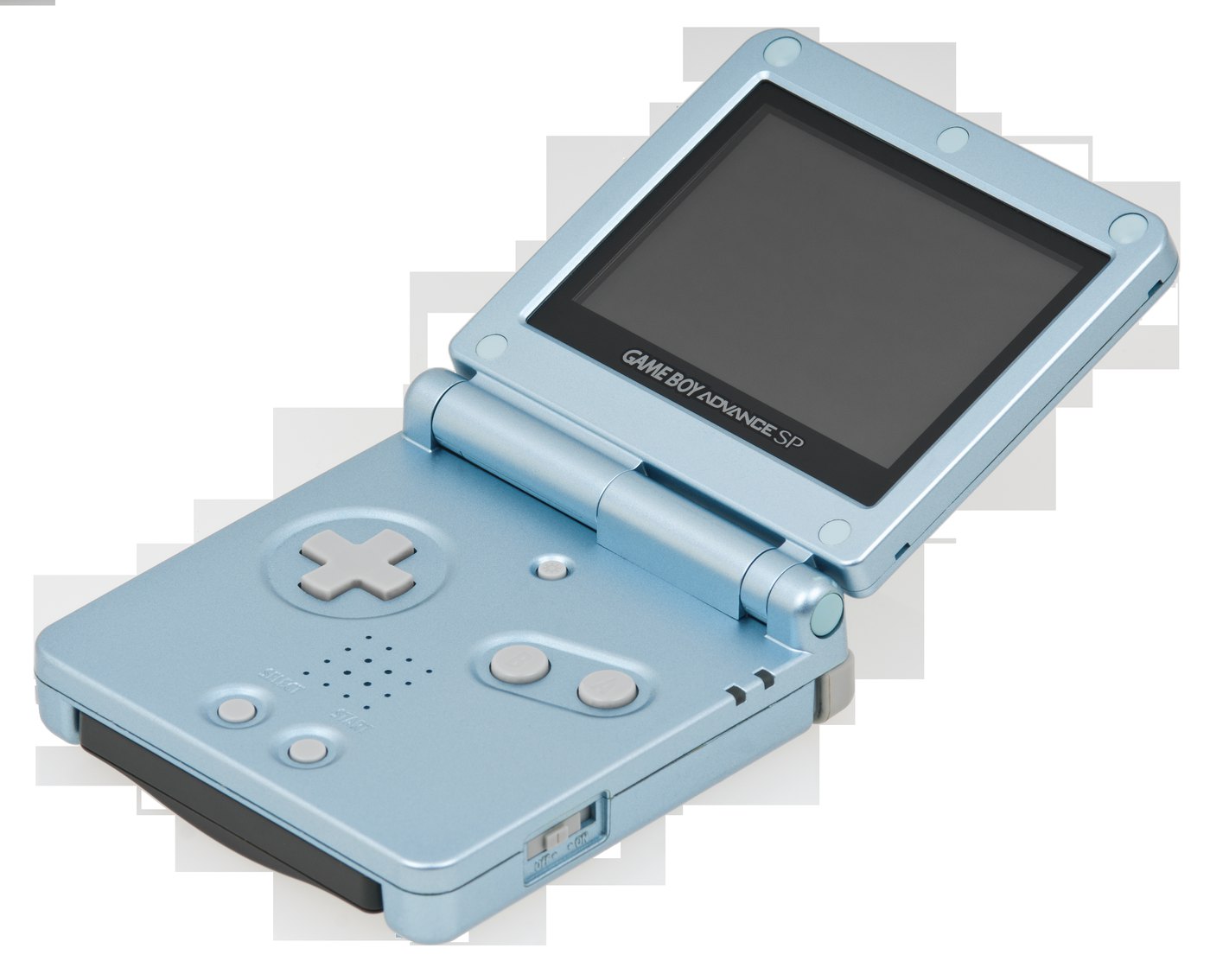
The mod that transforms a handheld: replacing the original screen (often non-backlit and pale) with a modern IPS panel, bright and sharp. Covers Game Boy (DMG/Pocket), Game Boy Color and Game Boy Advance.
| Field | Value |
|---|---|
| Systems | Game Boy DMG/Pocket, Game Boy Color, Game Boy Advance (AGB/SP) |
| Type | panel replacement with a backlit IPS |
| Level | 🟡 (plug-and-play "laminated" kits) → 🟠 (shell cutting, ribbon) |
| Reversible | ✅ (original panel can be kept) |
Why
The original screens (especially DMG, GBC, GBA AGB-001) are reflective (no backlight): dark, needing a lamp. An IPS panel brings:
- Backlight, uniform and bright,
- IPS contrast and viewing angles,
- often a larger image (reduced bezel) and options (brightness, palettes, pixel-grid effect).
Kits & suppliers
- FunnyPlaying: the reference for Game Boy IPS panels (GBC, GBA, DMG), laminated and drop-in versions — https://funnyplaying.com/
- Hispeedido / Cloud Game Store / eBay: resellers of the same panel families.
- Many kits are now "Q5" / laminated = simplified install (single ribbon, sometimes no cutting).
Laminated vs non-laminated
A laminated panel (glass bonded to the screen) gives a "glued-to-the-glass" image, nicer, and a thinner bezel. Often a bit pricier but distinctly prettier.
Installation (summary, varies per model)
- Open the console (tri-wing for Nintendo), remove the board.
- Unplug the original screen, fit the IPS panel + its control board.
- Depending on the kit: lightly cut the shell (or a pre-cut shell), route the ribbon, sometimes solder 1–2 wires (brightness).
- Set brightness/options (often via a button combo).
- Often paired with: new shell, USB-C, li-ion battery, prosound (see Audio).
Before / after
| Criterion | Original screen | IPS panel |
|---|---|---|
| Brightness | low (reflective) | high (backlit) |
| Contrast / colours | pale | vivid, IPS angles |
| Comfort | lamp required | playable anywhere |
Where to buy
- FunnyPlaying (reference manufacturer) — https://funnyplaying.com/
- Install guides: Game Boy mod channels/communities, RetroRGB.
Alternatives
- Bivert (DMG): improves the original screen cheaply (see Game Boy).
- McWill for Game Gear/Lynx/Nomad: see McWill LCD.
Sources & attribution
- FunnyPlaying — Game Boy IPS panels — https://funnyplaying.com/
-
RetroRGB — Game Boy IPS dossiers — https://www.retrorgb.com/ Image:
-
gba-sp-mk2.jpg— Evan-Amos, CC BY-SA 3.0, Wikimedia Commons — https://commons.wikimedia.org/wiki/File:Game-Boy-Advance-SP-Mk2.png

Review & corrections
How this space is used
Spotted a wrong value, an outdated procedure, a chip reference that does not match your board? Say so here, with what you observed (model, board revision, serial number, measurement). Every report is cross-checked against a source before anything changes — an unverifiable correction is published as “reported by …, not cross-checked” rather than silently applied.
Reading is open to everyone; posting requires signing in with Discord. Reports from the wiki's declared reviewers are handled first; anyone else's are read too, but go through a human before anything is changed.